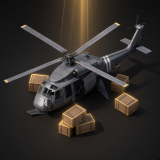
Leave Last Z open in its window. Press Start once. TreasureBot sends your troops to the helicopter and starts clicking the helicopter just before the treasure opens. Then it waits for the next one.
Before you buy
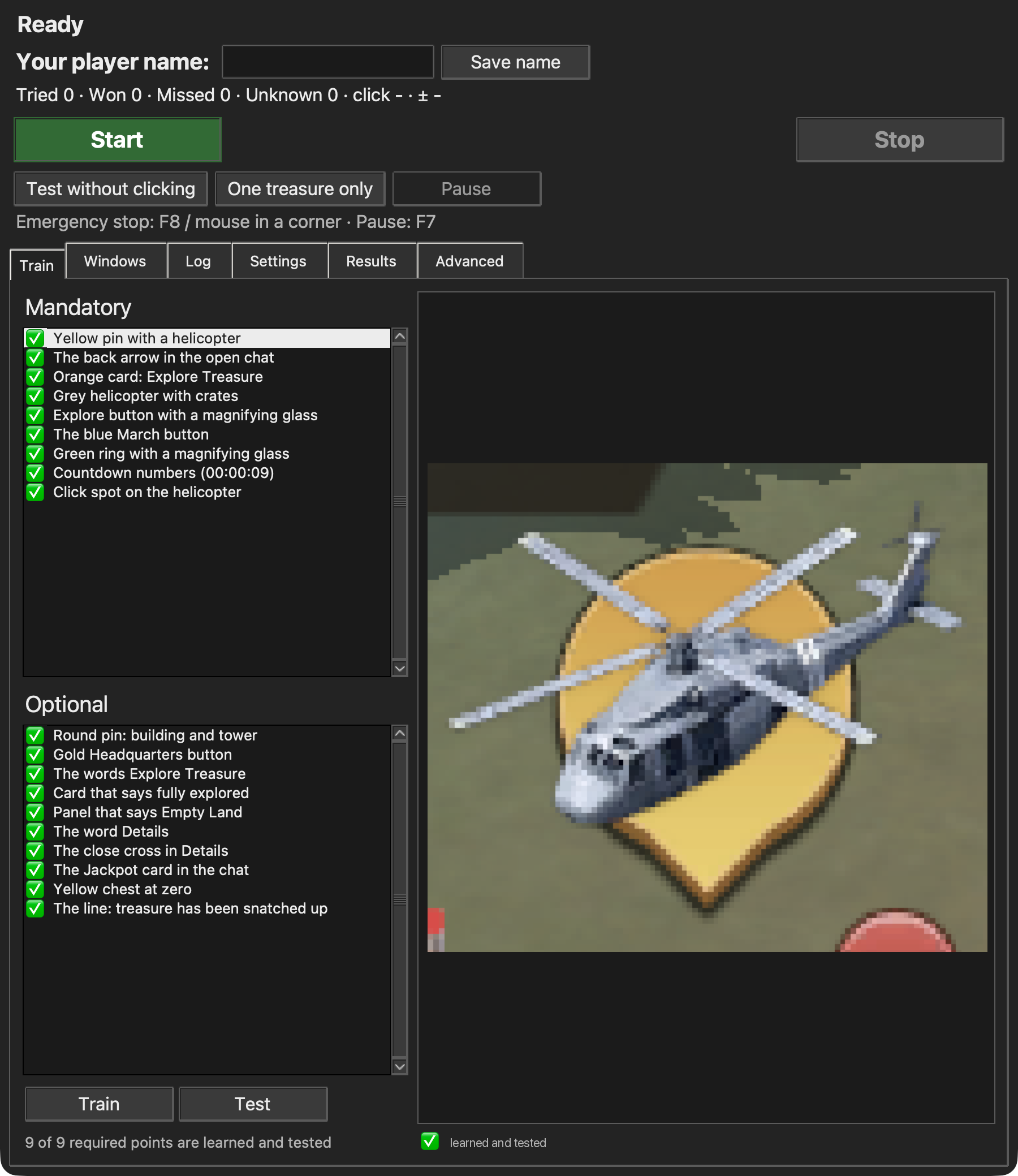
The bot watches for a treasure. You can sleep. The screen stays on.
It opens the treasure, skips one that is already empty, and sends the troops.
Then it waits for the next treasure.
Automated treasure runs, even while you sleep. TreasureBot sends your troops to the helicopter, clicks just before the treasure opens, and takes the next run.
With that comes the Windows file, a code, and a short guide in English and in Korean. A new file shows up on your download page.
A Windows PC with Last Z open in its window, and nothing covering the game. Best results on Windows are on a 1440p screen.
Before you buy
Yes. The game can close an account that uses a bot. You use TreasureBot at your own risk.
No one can promise that. It depends on your connection, your computer and the other players. TreasureBot starts clicking the helicopter just before the treasure opens, and it does not win every time.
Put Bitcoin in a wallet on your phone or computer, then press the pay button. The payment page shows an address and a QR code. Send the amount it shows and keep the page open. Confirmation can take a few minutes, or up to about an hour. Then the page shows your file and your code.
Open "Check setup" in the program. It says in plain words what is missing, for example the permission to see the screen or to control the mouse. The Train tab shows in red what the bot could not find in your game. There is no refund and no personal support, so read "Before you buy" first.
A new file appears on your download page. Your code works for the new file too. The program does not look for updates by itself.
The file has no sender name. That is on purpose: it carries no name, so Windows warns the first time you open it.
No. The program does not contact anyone, and it does not check for updates by itself.
Click a picture to see it larger.